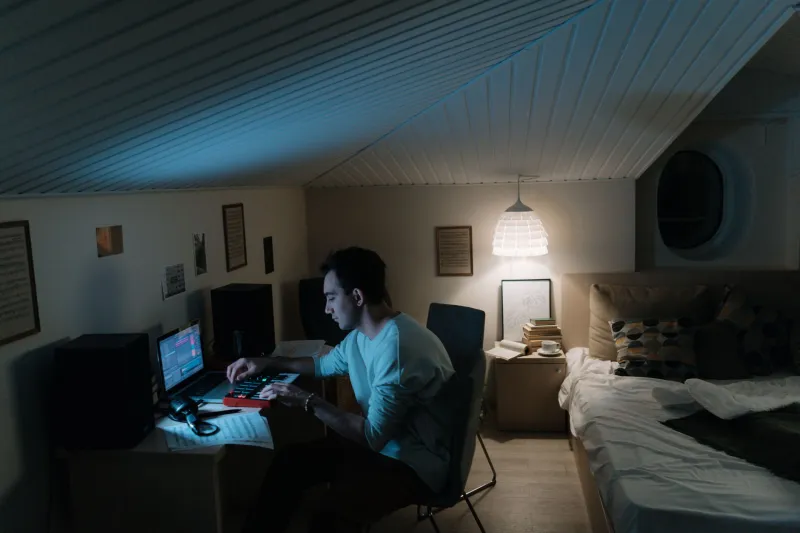
Your Work Is Stunning. Your Presentation Is Killing It.
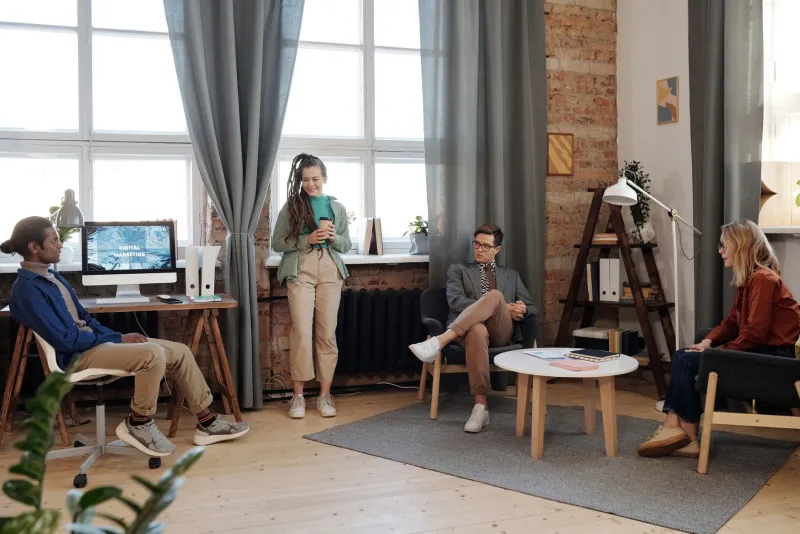
Let's set the scene. You've spent three weeks on a motion piece — color-graded to within an inch of its life, sound design locked, every transition deliberate. You're proud of it. You should be proud of it. Then you walk into a client meeting, plug your laptop into a conference room projector from 2016, and watch your carefully crafted work turn into a washed-out, compressed blur while four people squint at it from the wrong angle.
The client says, "It's nice, but something feels off."
Something is off. But it's not the work.
This is one of the most common — and most avoidable — ways digital studios undermine themselves. The craft gets obsessive attention. The delivery gets whatever's left over. And the gap between those two things is where perception gets poisoned.
The Display Problem Nobody Talks About Enough
Here's a truth that stings a little: most clients are not looking at your work on a calibrated monitor. They're seeing it on a Dell laptop in a bright room, or worse, on a shared screen in a video call compressed down to 720p. The colors shift. The contrast flattens. The details you agonized over disappear entirely.
Professional studios running color-accurate workflows on wide-gamut displays are essentially creating work in a controlled environment and then shipping it into chaos. That's not inherently a problem — it's the nature of digital distribution. But when you're presenting your work for approval, you're supposed to be in control of the environment. Most studios aren't.
The fix isn't complicated, but it does require intention. If you're presenting in person, bring your own display. Seriously. A portable color-accurate monitor — something like a well-calibrated 4K panel — is not a luxury item anymore. It's a presentation tool as essential as your portfolio itself. If you're presenting remotely, stop sharing your screen and start sharing a high-quality export hosted somewhere that doesn't re-compress everything on upload.
The goal is simple: the client should see what you made, not what the internet decided to do with it.
Color Space Is a Silent Saboteur
This one gets technical, but stay with it because it matters. When you design in a wide color space — say, Display P3 or Adobe RGB — and then present in a context that only renders sRGB, your colors can look noticeably duller. Saturation drops. Certain hues shift. That electric blue you were so deliberate about? Now it's just... blue.
A lot of studios don't catch this because their workflow machines handle the conversion gracefully. But the moment you move to an external display, a projector, or a screen-share scenario, all bets are off unless you've explicitly accounted for the output profile.
Before any client-facing presentation, do a quick sanity check: export a version of the work in the color space that matches the viewing environment, and preview it in that context before the meeting. It takes twenty minutes and it has saved more than a few client relationships.
Rushed Walkthroughs Are Doing Real Damage
Beyond the technical stuff, there's a pacing problem that's just as destructive. Most studios walk clients through work too fast. You've lived with this project. You know every beat, every transition, every decision. So you talk through it at the speed of someone who already understands it — which means the client is processing at half the speed you're presenting.
Slowing down isn't just about being polite. It's about giving the work room to land.
Motion work especially suffers from this. A 90-second piece needs more than 90 seconds of discussion. You need to let it breathe, maybe play it twice, and then walk through the intentional decisions before the client has a chance to fill the silence with instinctive reactions. When people don't understand why something was done a certain way, they default to personal taste. That's where "can we make the logo bigger" comes from.
Context-setting changes everything. A two-minute verbal setup before the work plays — explaining the brief, the creative direction, the specific problems you were solving — primes the viewer to see the work the way it was meant to be seen. It's not hand-holding. It's good storytelling.
The File Quality Trap
Compressed files are the silent killer of digital presentations. A 4K video that's been exported at a low bitrate to keep the file size manageable, then uploaded to Google Drive, then downloaded and played in a browser — by the time it reaches a client's screen, it's been through enough compression cycles to look genuinely bad. Not "not quite right" bad. Actually bad.
The rule a lot of experienced studios have landed on: never let a client see a compressed version of anything that hasn't been approved in its full-quality form first. Show them the real thing first, get alignment, then hand over delivery formats. Once someone has seen the low-quality version, their brain anchors to it. Getting them to mentally upgrade is an uphill battle you don't need to fight.
For remote presentations specifically, services that stream high-quality video without re-encoding — or tools built specifically for creative review workflows — are worth the subscription cost. The difference between a Vimeo review link and a proper frame.io or equivalent review environment is the difference between your work looking like yours and looking like a YouTube thumbnail.
Treat the Presentation Like Part of the Work
The studios that consistently get their work approved — and valued — are the ones that treat the presentation itself as a creative deliverable. The environment, the pacing, the file quality, the context-setting: all of it is part of the experience.
This isn't about making excuses for work that isn't ready. It's about refusing to let good work get buried under bad circumstances. You wouldn't deliver a final file with the wrong color profile. So why would you present in conditions that do the same thing?
The craft doesn't stop when you export. It stops when the client actually sees what you made.
And if you've been losing pitches or getting lukewarm responses to work you know is strong, it might be worth asking an uncomfortable question: are they responding to the work, or to the version of the work you showed them?
Those are not always the same thing.